
HideX
Tools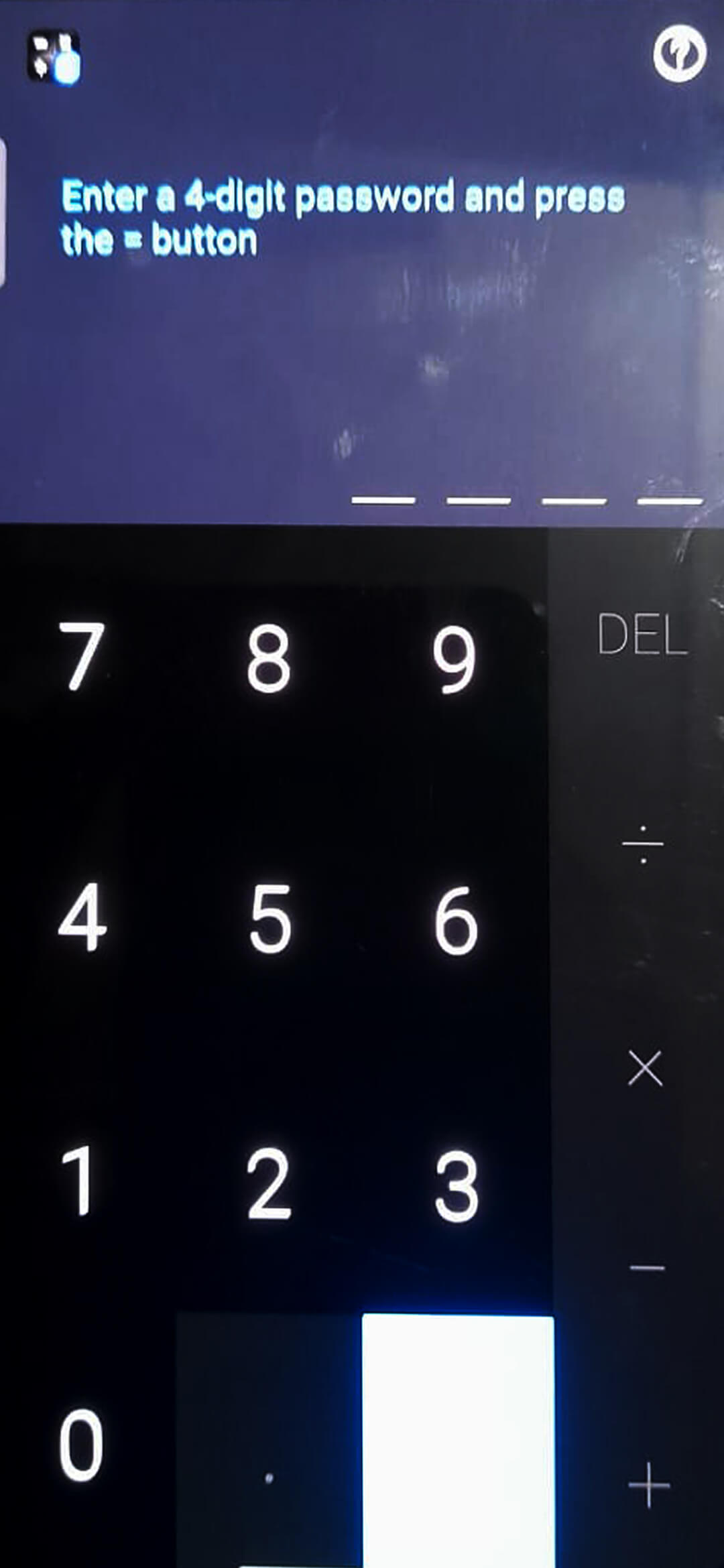
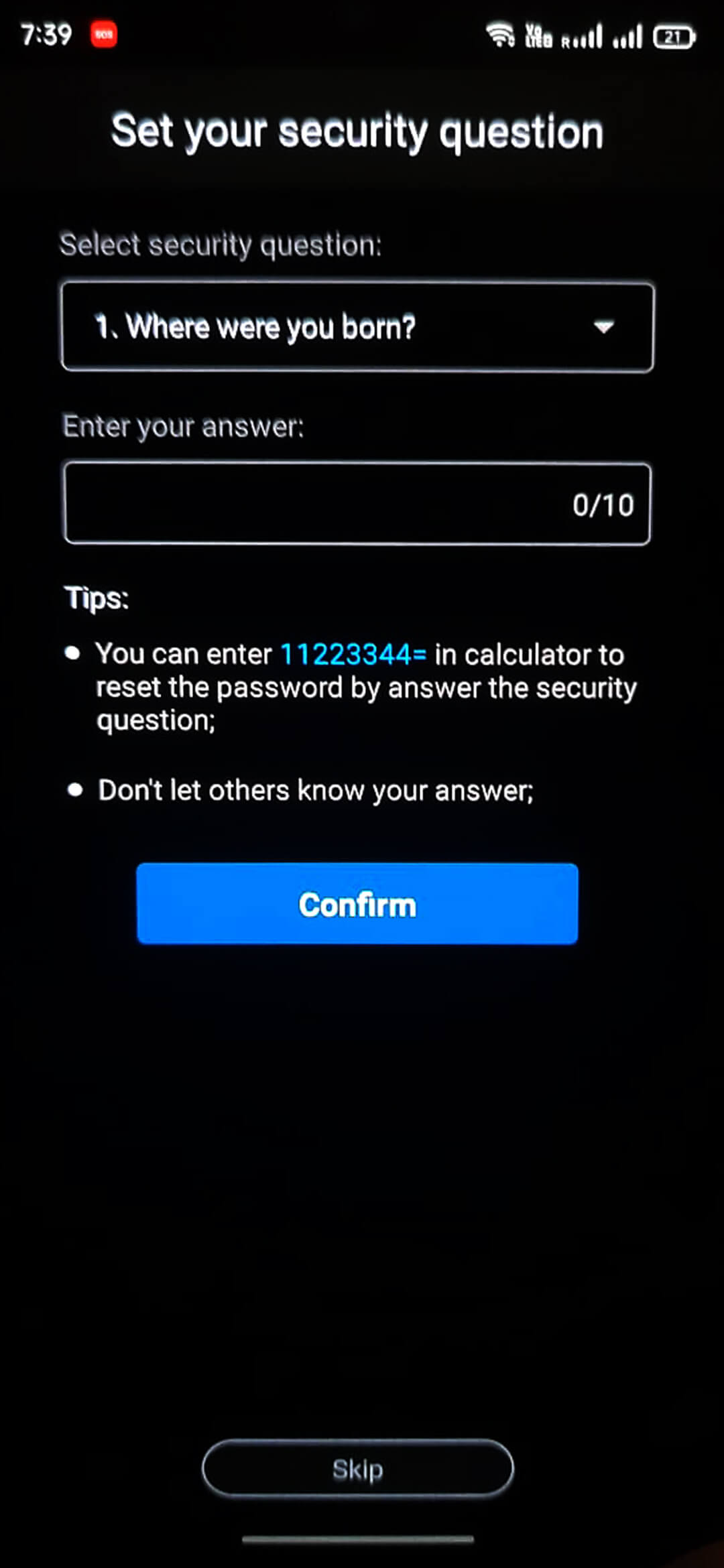
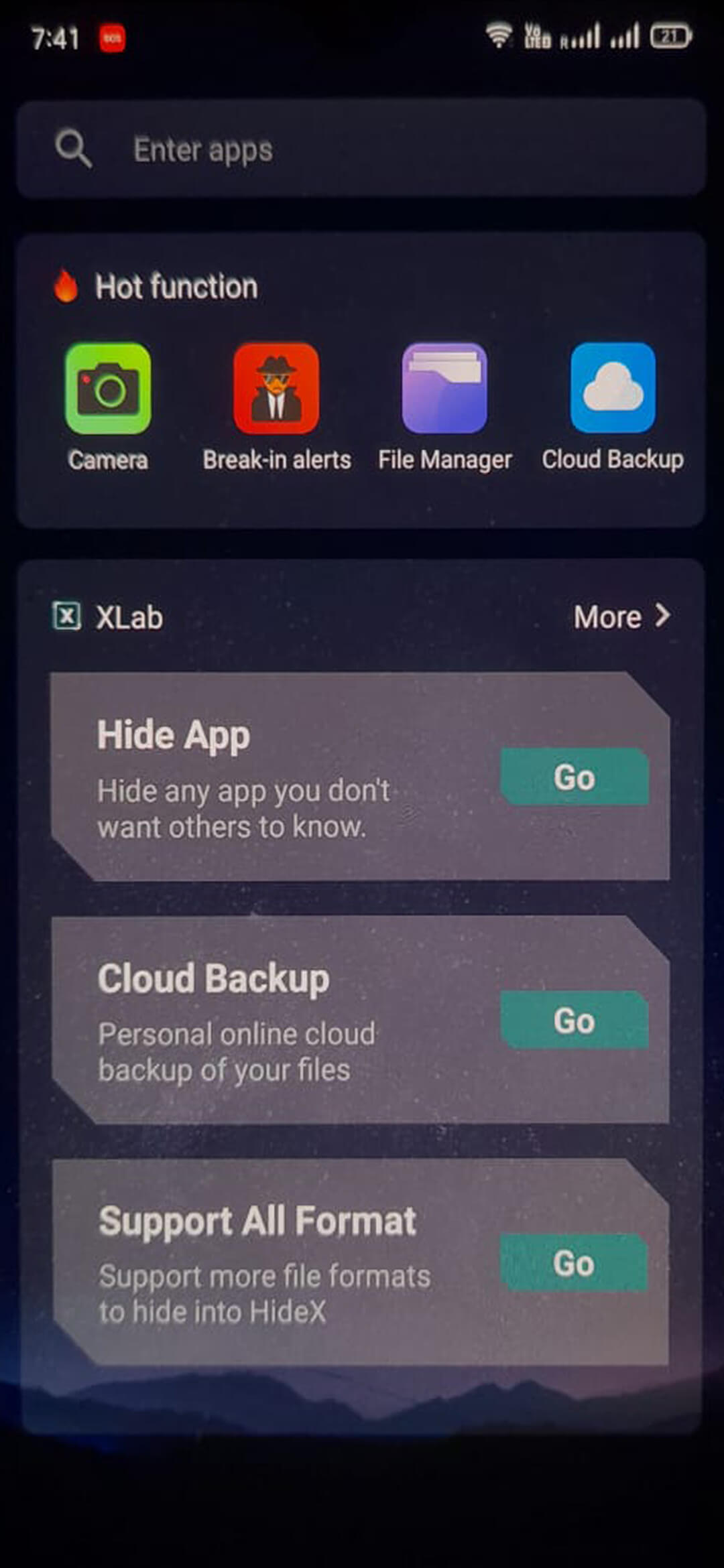
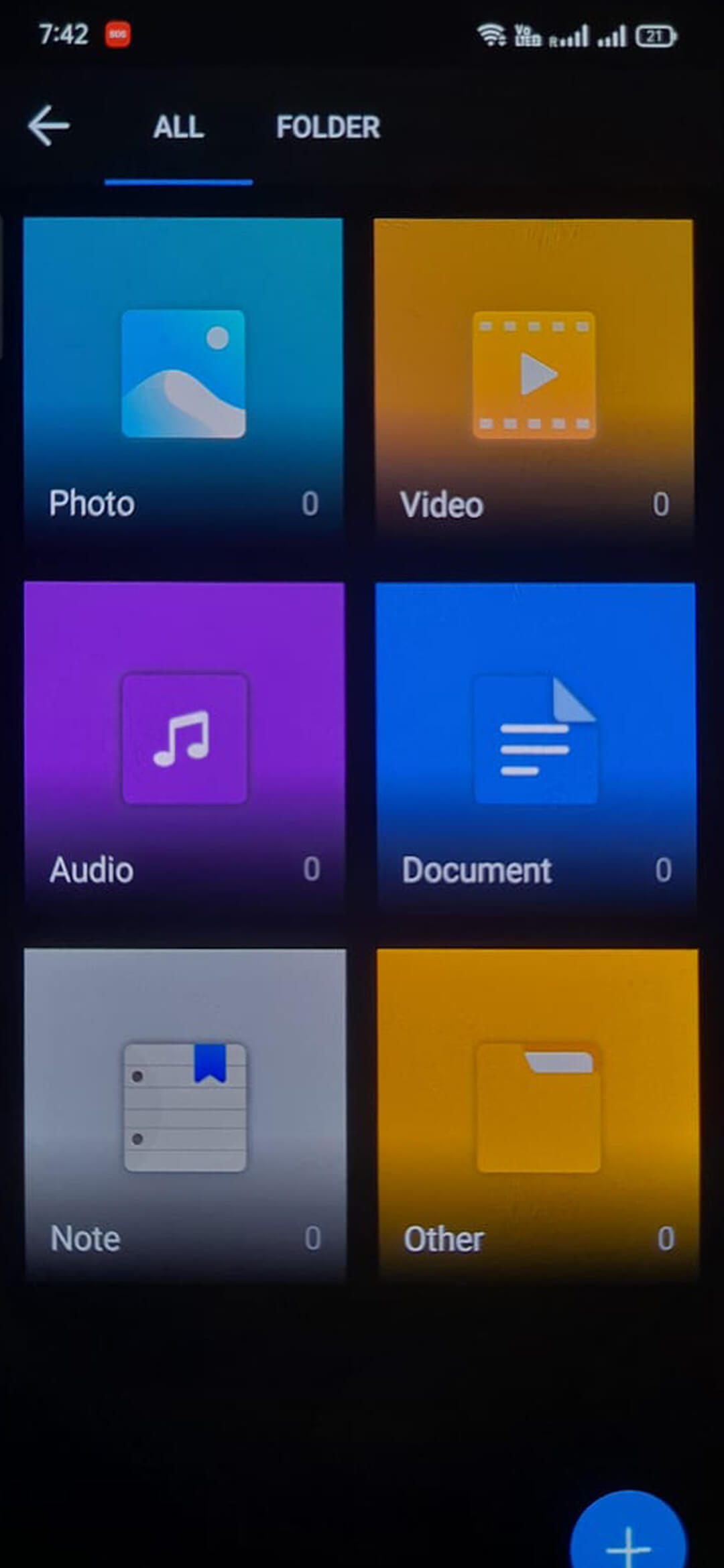
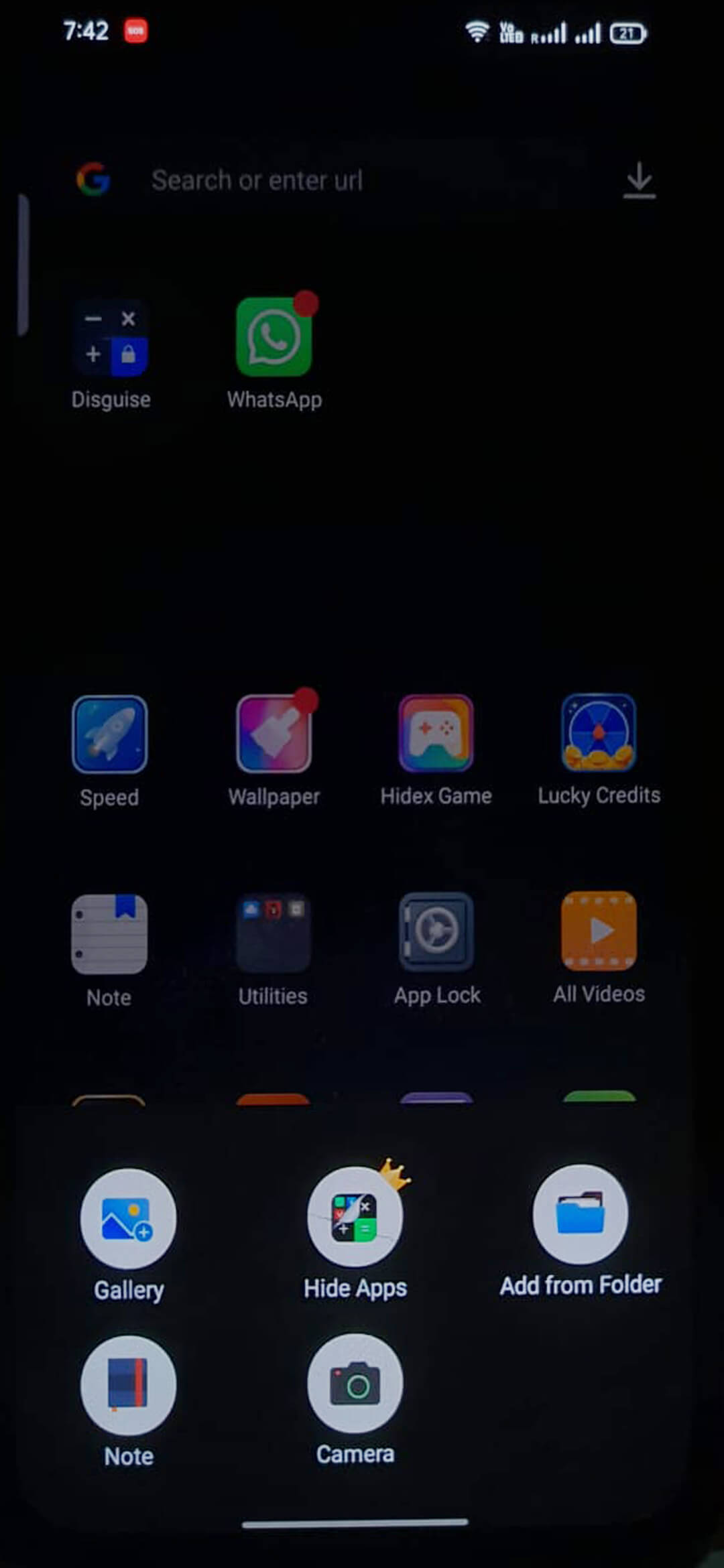
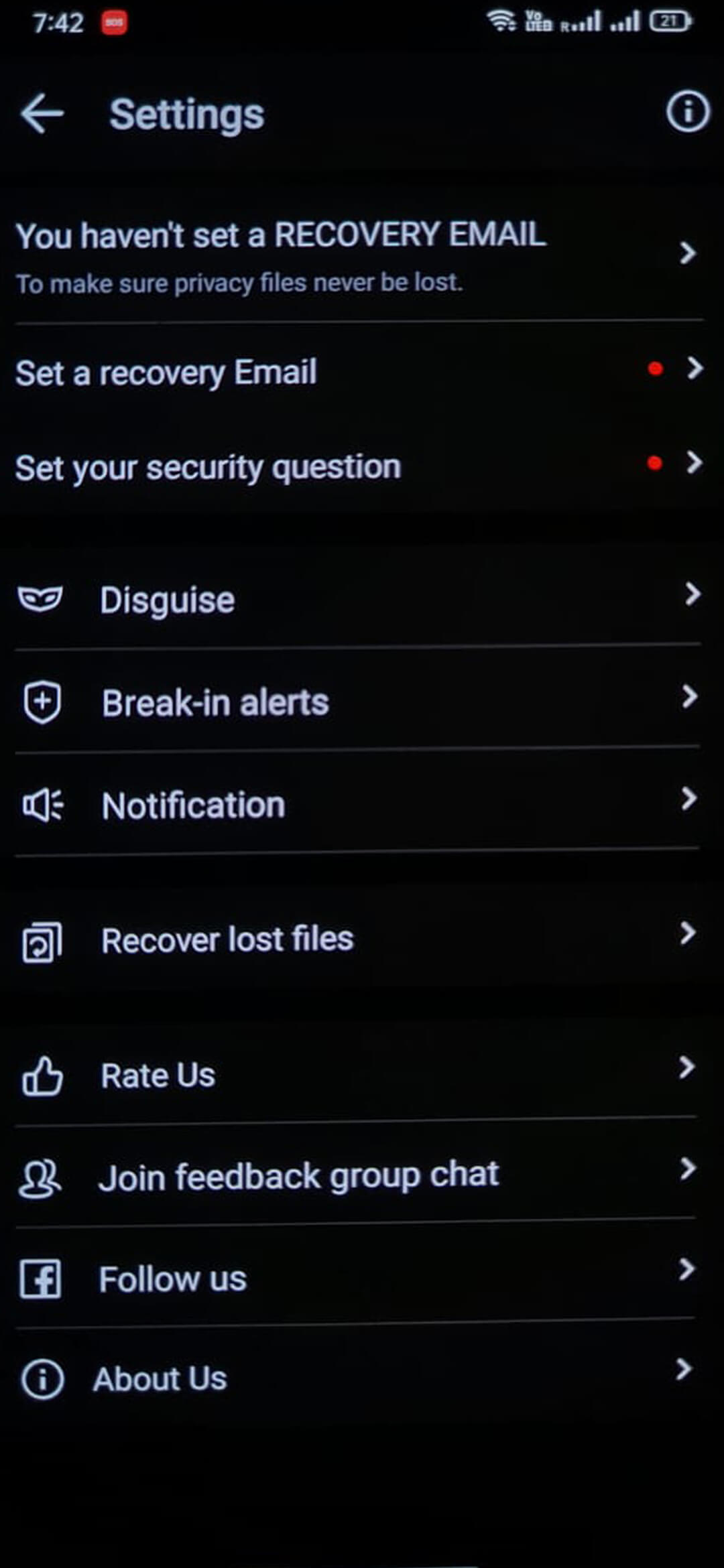

HideX is a free Android tool that creates a hidden vault on your device. It lets you store photos, videos, documents and even other apps away from prying eyes. The vault is accessed with a PIN or pattern, keeping your private content out of sight.
This page provides the latest version information, installation steps, and practical advice on using HideX safely.
Quick Information
| App/Game Name | HideX |
| Latest Version | 3.5.17.4 |
| Developer | Not listed |
| Category | Apps / Tools |
| App Size | 32.54 MB |
| Package Name | com.flatfish.cal.privacy |
| Last Updated | 1 October 2026 |
What Is HideX?
HideX functions as a secret container for personal media and files. After installation, you can add items to the vault, which are then encrypted and hidden from the standard gallery and file browsers. The app is designed for users who want an extra layer of privacy without paying for a subscription.
Key capabilities include:
- Secure storage for photos, videos, documents and other files.
- PIN or pattern protection to open the vault.
- Quick hide/show actions from the app’s main screen.
HideX does not claim to protect against sophisticated forensic tools, and it does not provide cloud backup. It is best suited for casual privacy needs on a single device.
Compatibility
| Android Version | ✓ Verified — Android 4.4 and later |
| Architecture (ARM64 / 32-bit) | ✓ Verified — Supports common device architectures |
| Internet Connection | ✓ Verified — May be required for ads, updates, or login |
| Storage Needed | Not Verified |
| OBB/Data Files | Not Verified |
| Root Required | Not Verified |
How to Install
- Enable Install unknown apps for the browser or file manager you will use (Settings → Apps → Special app access → Install unknown apps).
- Download the HideX APK file from this page.
- Open the downloaded file and tap Install.
- Once installation finishes, launch HideX and set up your PIN or pattern.
- Use the Add button to import photos, videos or documents into the vault.
Troubleshooting
- App not installed: Ensure the APK is complete and not corrupted. Verify that your device allows installations from unknown sources.
- Crashes on startup: Clear app data (Settings → Apps → HideX → Storage → Clear data) and try launching again.
- Cannot hide files: The app needs permission to access storage. Grant the requested permissions in the prompt or via Settings → Apps → HideX → Permissions.
- Forgot PIN/pattern: The app does not provide a recovery method. You will need to reinstall, which will erase existing vault contents.
Safety & Security
HideX is a standard, unmodified APK. As with any third‑party installer, verify the file’s integrity before installing and only download from reputable sources. Review the permissions the app requests; it should only need storage access and the ability to set a lock screen. Avoid entering sensitive account credentials inside the vault, as the app does not offer encryption backed by a server.
How HideX Compares
| Feature | HideX | Keepsafe Photo Vault | Vaulty | AppLock |
|---|---|---|---|---|
| Price / Free model | Free, no ads | Free with in‑app purchases | Free with ads, premium upgrade | Free with ads, premium upgrade |
| Platform availability | Android only | Android & iOS | Android only | Android only |
| Standout feature | Simple hidden vault with PIN/pattern lock | Photo‑focused vault with cloud backup | Batch hide and decoy vault | App‑locking and privacy guard for multiple apps |
| Best for | Users who need a quick, ad‑free local vault | People who want photo backup and cross‑device sync | Power users who like decoy vaults | Those looking to lock apps as well as media |
Alternatives
If HideX does not meet all your needs, consider these well‑known privacy tools:
- Keepsafe Photo Vault – focuses on photos and videos, offers optional cloud backup.
- Vaulty – provides a hidden folder with decoy mode and batch hide options.
- AppLock – locks individual apps, plus a basic media vault.
- Private Photo Vault – simple photo hide app with a PIN lock.
Final Verdict
HideX delivers a lightweight, ad‑free solution for keeping personal files out of sight on Android. It is easy to set up and works well for casual privacy needs. However, it lacks advanced features such as cloud backup, biometric authentication, or a recovery option if you forget your PIN. Users who require those capabilities may prefer a more feature‑rich competitor.
Frequently Asked Questions
HideX is a standard APK; install it only from trusted sources and review the permissions it requests.
The latest release is version 3.5.17.4, updated on 1 October 2026.
HideX works on Android 5.0 (Lollipop) and newer, but exact compatibility is shown in the compatibility table.
No root or additional OBB files are required; HideX runs as a normal app.
This usually means the APK is incomplete, corrupted, or your device blocks installations from unknown sources.
Yes, you can update by installing the new APK; it will replace the old version while keeping your vault data.
Older builds are not listed here; you can keep the current version or look for archived copies from reliable sources.